Do I need React for this to work?
No — Notepix marks up any page. On a React dev build (Vite, Next.js, CRA;
React 18 and 19) each mark additionally records the component name and source
file:line behind the element. On production builds and non-React pages it falls
back to a precise CSS selector. Vue and Svelte source resolution is on the roadmap.
Which AI agents does it work with?
Anything you can paste into: Claude Code, Cursor, GitHub Copilot, Windsurf, Codex,
Aider, a plain chat window. The brief is plain text on your clipboard — no account
or setup required. You can also skip the paste entirely, two ways: with Claude Code
connected through Claude in Chrome (pick the hand-off format and it reads the marks
off the page), or over the optional Notepix MCP server:
npx -y notepix-mcp setup (Node 18+)
registers it with Claude Code, Cursor, Windsurf, VS Code, Codex CLI and Gemini CLI
in one go; restart the agent, then switch on “Connect to my coding agent”
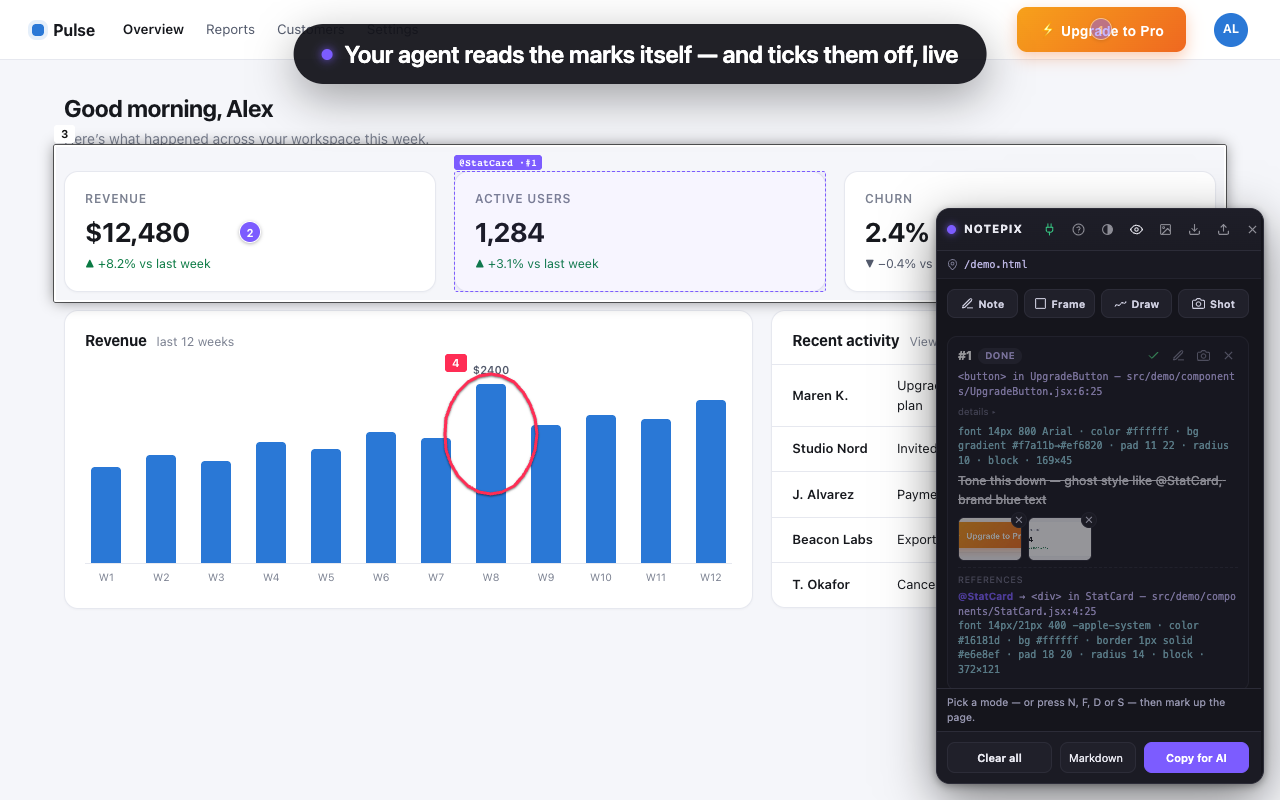
behind the plug icon in the panel — your agent pulls the marks and screenshots
itself and ticks them off as it fixes them. Full guide in the
notepix-mcp
README.
How do I show my AI agent which element to change?
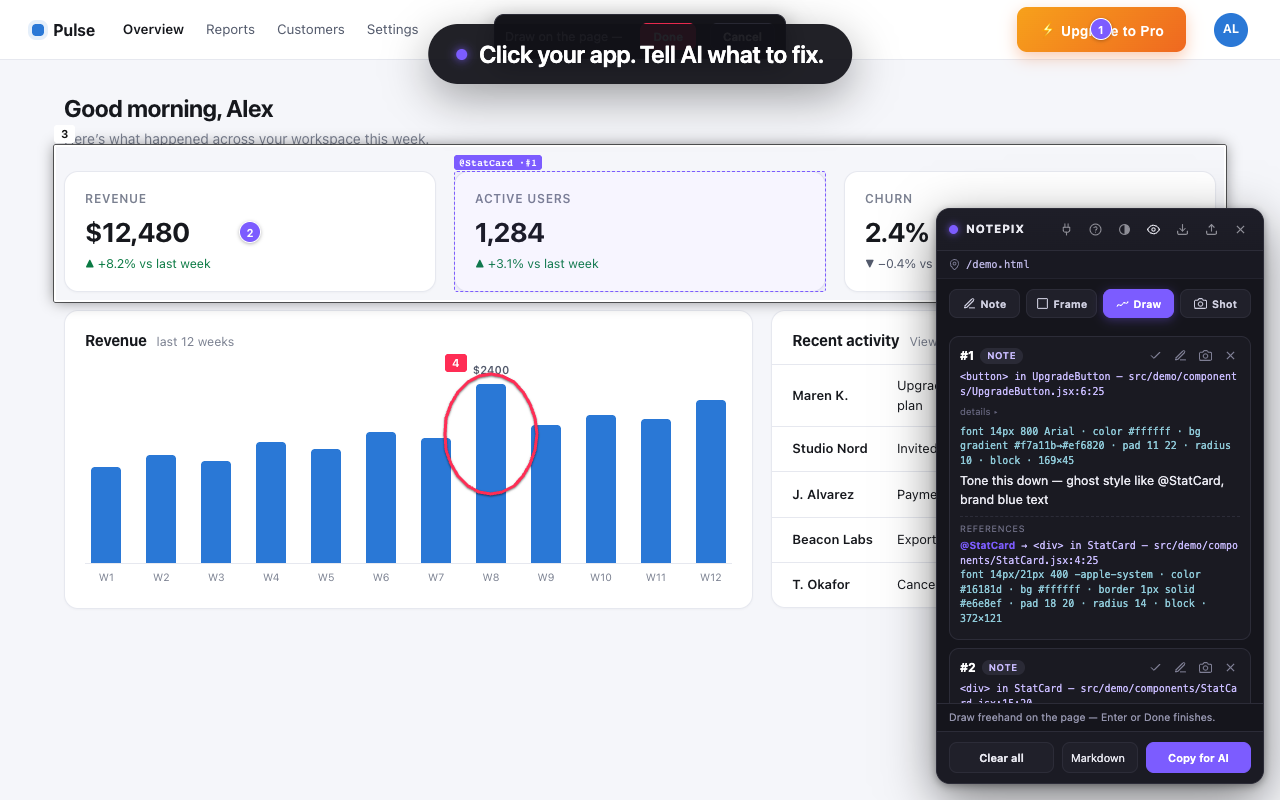
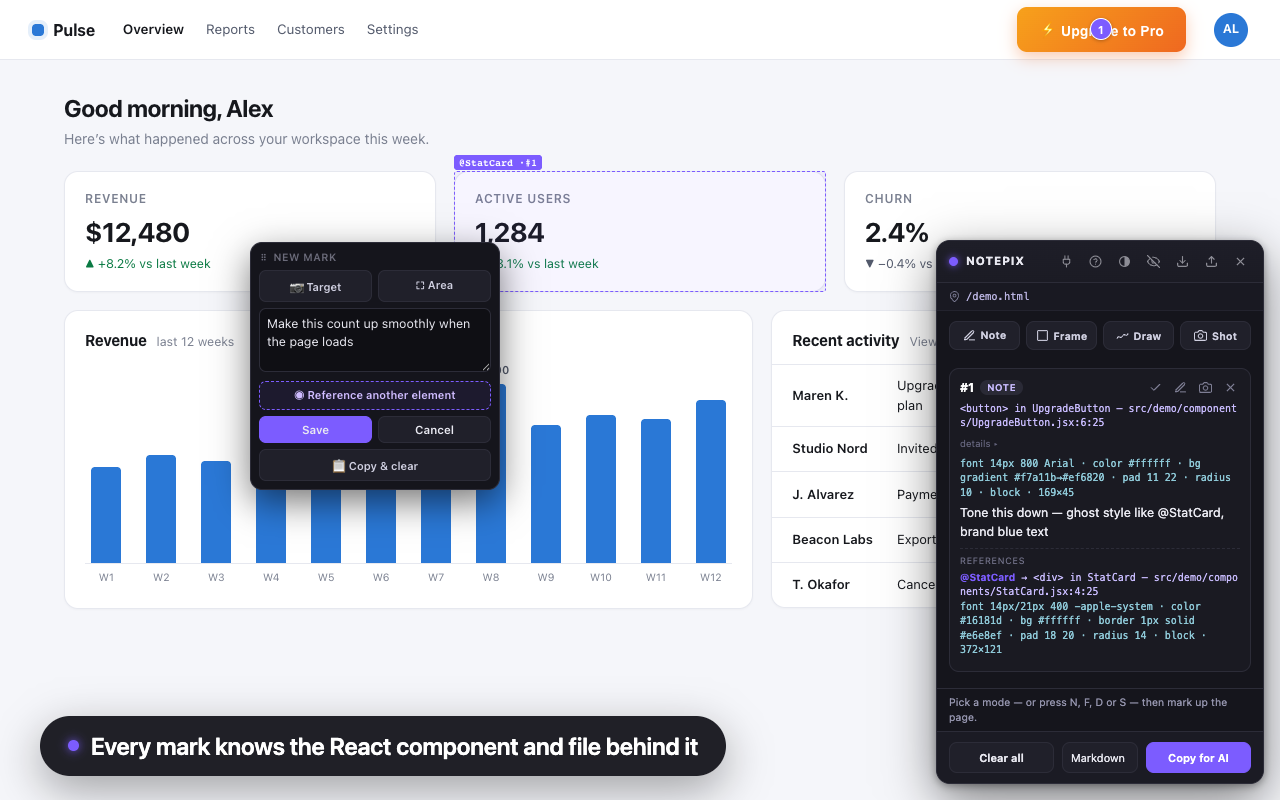
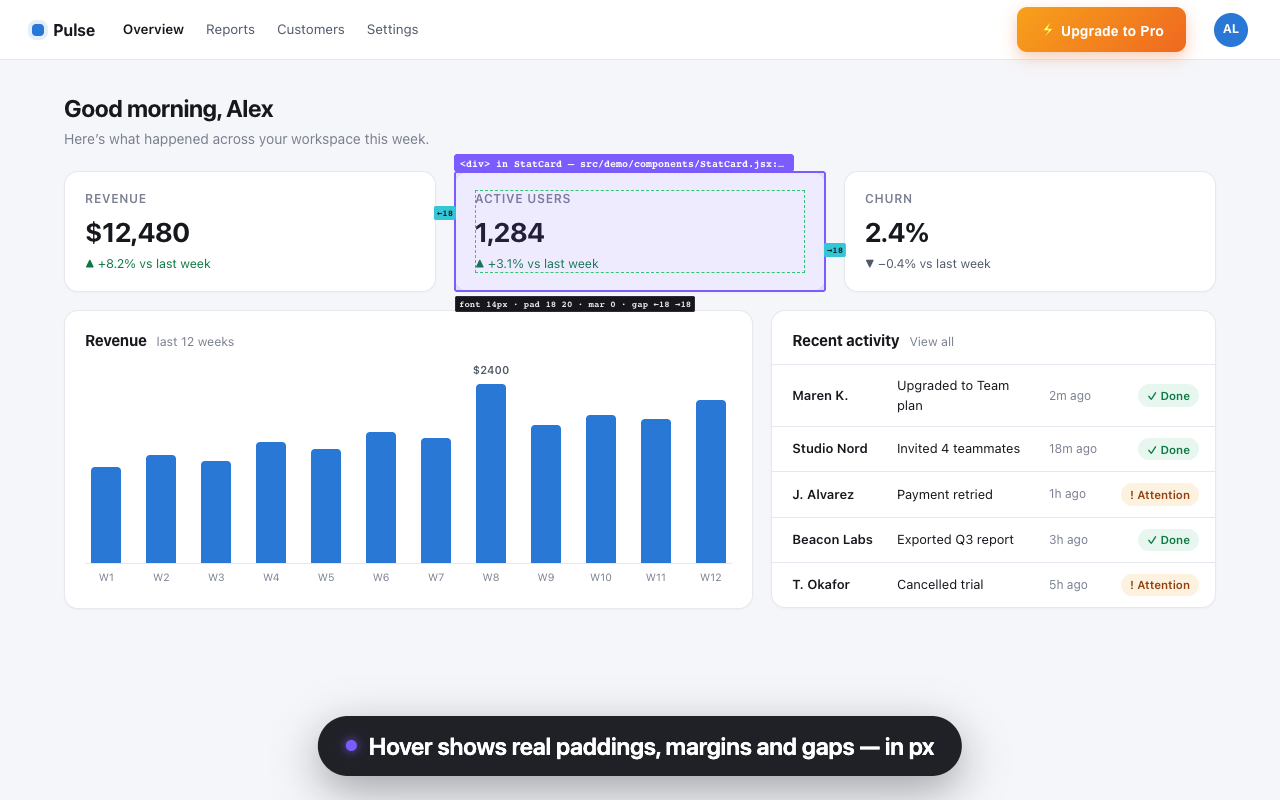
Click it. Notepix pins a numbered note to the element and records the React
component, source file and line, computed style and a clean screenshot behind
it. Copy for AI turns all of it into one brief — paste it into Claude
Code, Cursor or Copilot — or let the agent read the marks itself over MCP.
Is Notepix a UI annotation or visual feedback tool?
Both, built for the AI-coding loop. Use it like a design-review or bug-reporting
tool — sticky notes, frames and sketches on any web page, localhost included —
with one difference: every annotation carries the code context (component, file,
selector, style) an AI coding agent needs to actually ship the fix.
Does it work on Lovable, Replit, v0 or Bolt previews?
Yes — click the Notepix toolbar icon on any http(s) page, cloud previews
included, and mark it up. On localhost dev servers Notepix auto-loads after
every reload; one-click auto-load for preview domains is the next planned
update.
Where do my notes live?
In Chrome’s local extension storage, keyed per page and per SPA route. On
localhost dev servers Notepix auto-loads, so notes are still there after every
reload. You can export any page’s marks as a JSON file and import them anywhere.
What does Notepix send over the network?
Nothing leaves your computer — until you enter a license key. From then on there is
exactly one kind of internet
request: verifying your key against Gumroad’s license API at activation and at
most weekly. It carries the key and the product id, never page content, notes or
screenshots. If you switch on the optional MCP connection, that one goes to
127.0.0.1 — your own machine — and
nowhere else. The full policy is on the privacy page.
What happens when the trial ends?
Creating new marks asks for the one-time $6.43 unlock. Everything you
already made stays viewable, copyable, exportable and deletable forever — your
notes are your data.
The keyboard shortcut doesn’t do anything?
Alt+Shift can collide with keyboard-layout switching, especially on Windows. Open
chrome://extensions/shortcuts and rebind
“Toggle the Notepix panel” to anything you like — the toolbar icon and right-click
menu always work regardless.
Chrome only?
Chrome 116+ and Chromium-based Edge (tested). An Edge Add-ons listing and other
browsers are on the roadmap.